squillquest
A downloadable project
# SkillQuest
# Learn step by step. Practice with confidence.
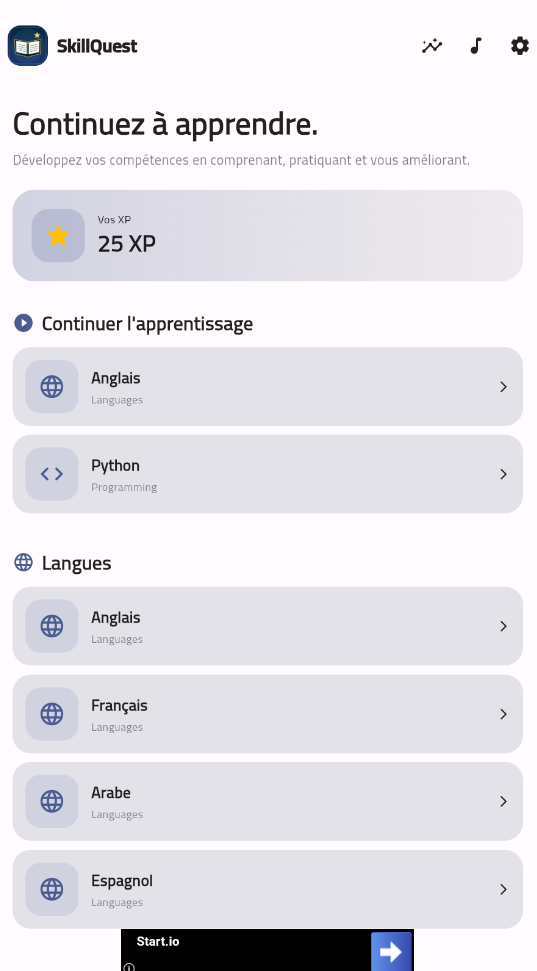
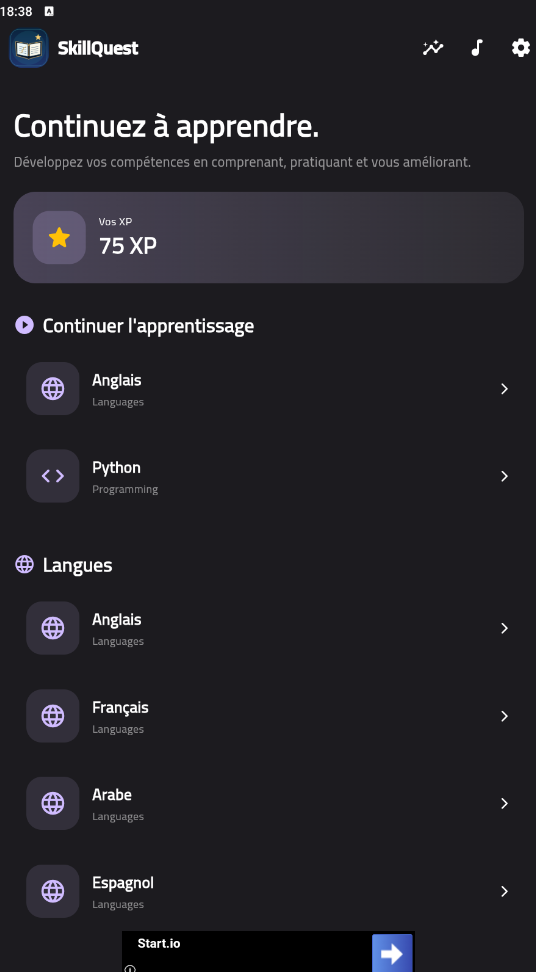
SkillQuest is a free Android learning app for exploring languages and programming through short lessons and interactive exercises. Learn at your own pace: study an explanation, try an example, answer questions, and track your progress.
## How to use SkillQuest
1. Download and install the Android APK.
2. Open the app and choose a skill.
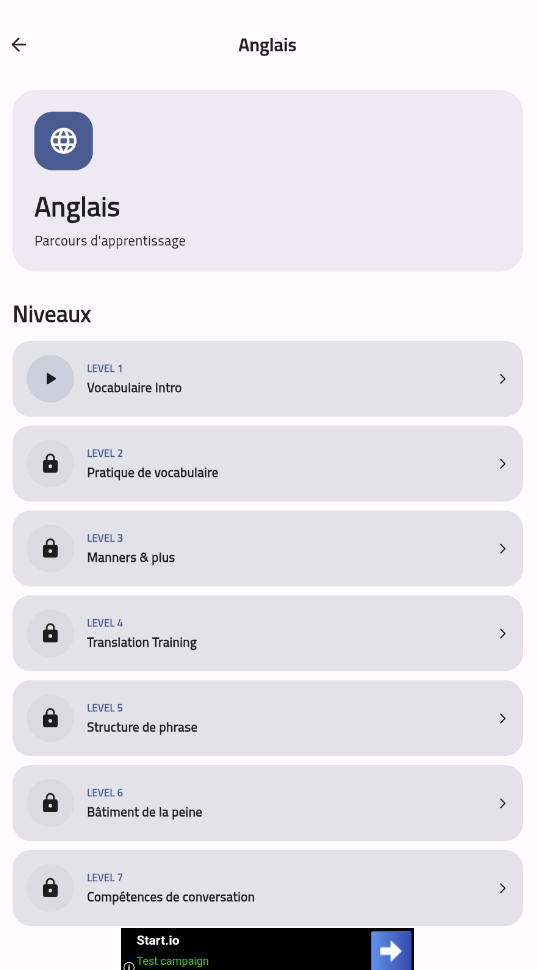
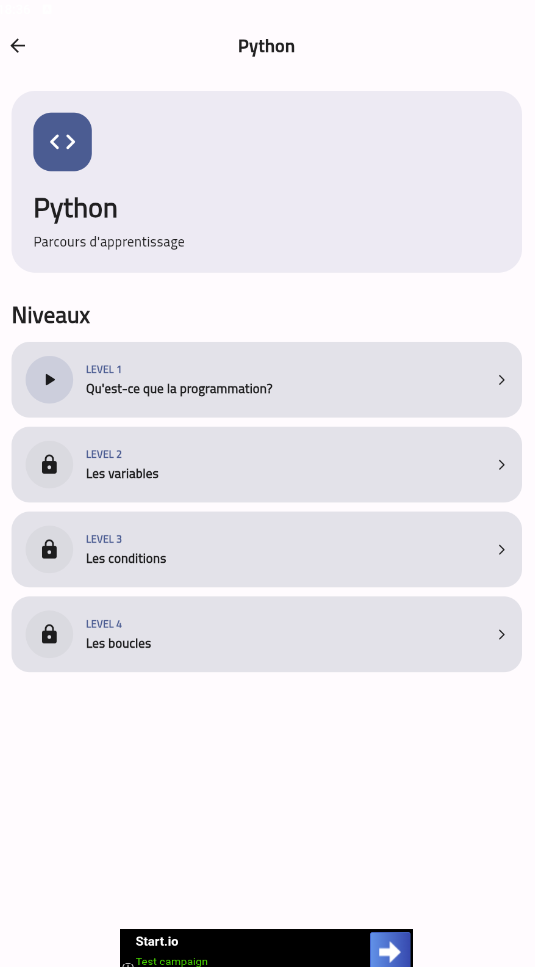
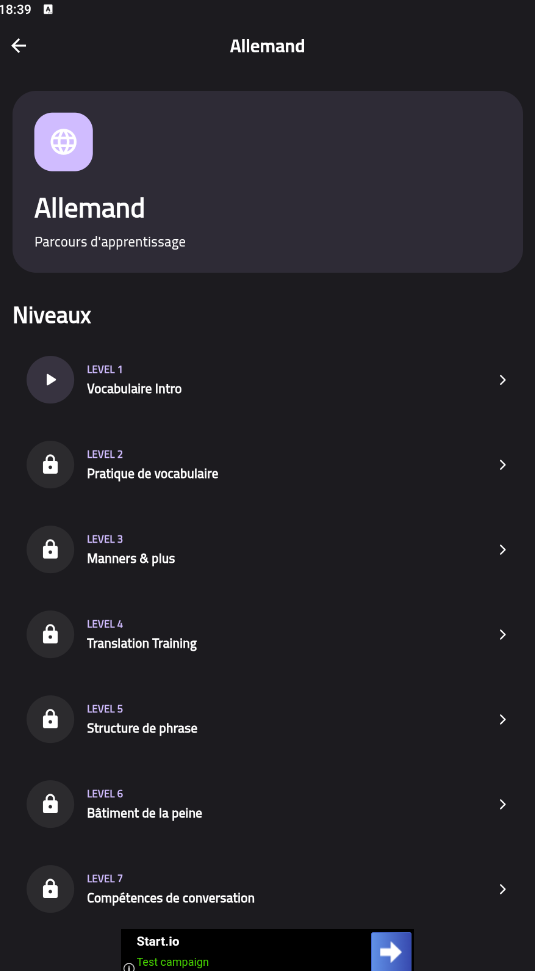
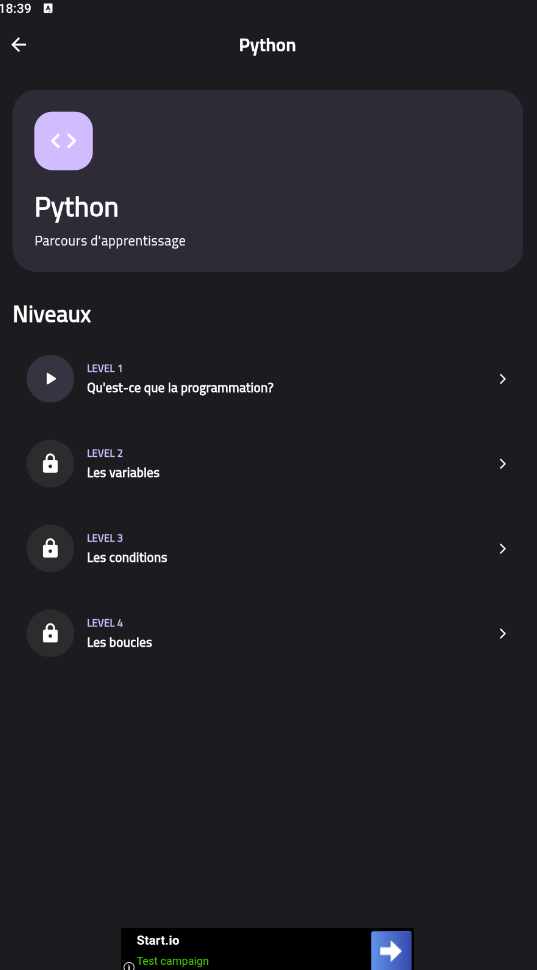
3. Select an available level and read the lesson.
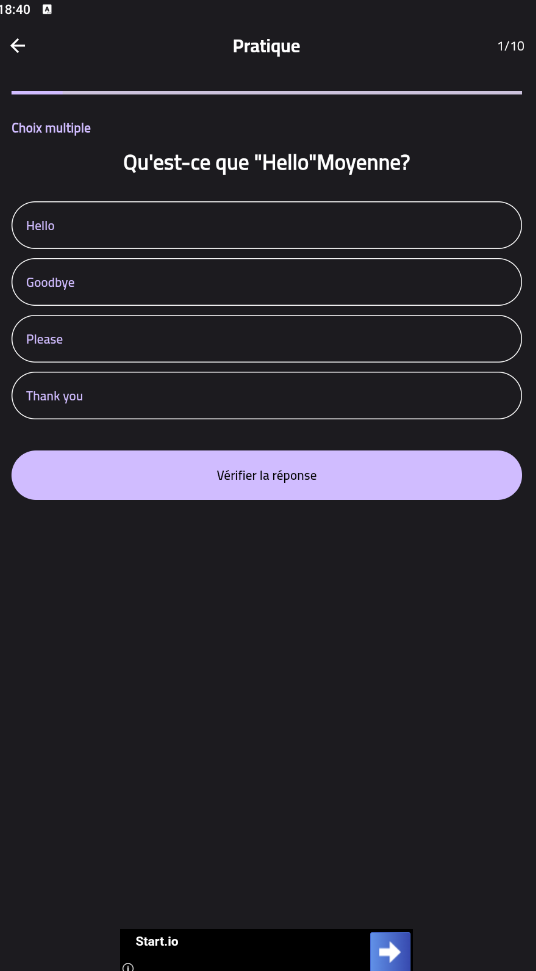
4. Practice with questions such as multiple choice, fill in the blank, true or false, matching, and sentence building.
5. Review your result and continue learning.
6. Use the audio controls to listen to examples and adjust your learning sounds.
## Learning features
- Short lessons with explanations and examples
- Interactive practice questions
- Progress and XP tracking
- Speaking practice using your device’s speech features
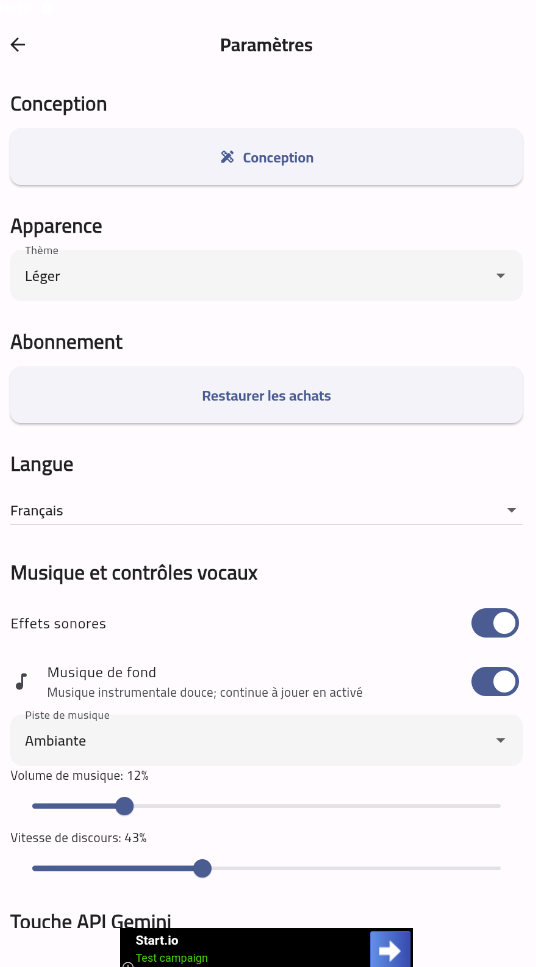
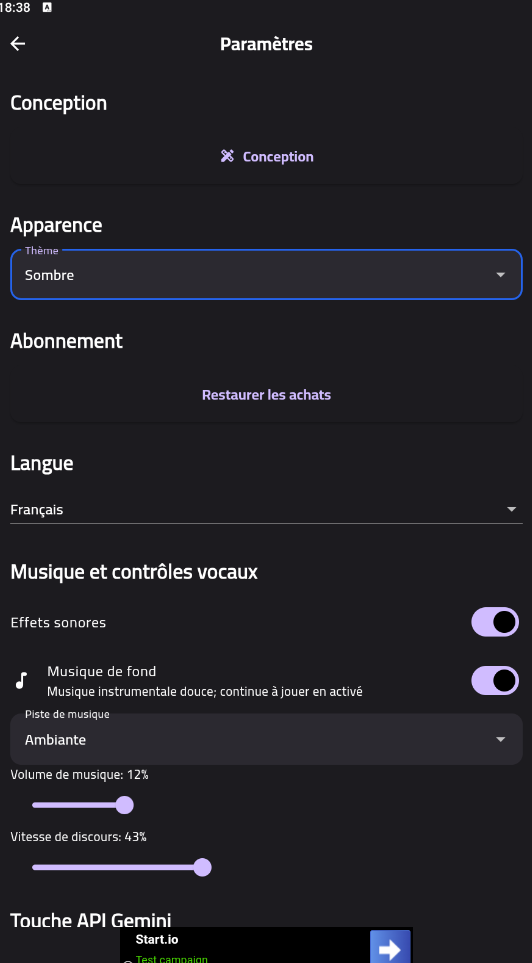
- Background music and sound controls
- A choice of learning skills, including languages and programming
## Optional AI features
SkillQuest can connect to Google Gemini for AI tutoring, extra practice questions, and pronunciation help.
To use these features:
1. Open **Settings** in SkillQuest.
2. Add your own Gemini API key.
3. Save the key, then open an AI learning feature.
AI features are optional. Your API key is stored on your device, and AI requests are sent to Google Gemini. Never share your API key in comments, screenshots, or public posts. Without a key, you can still use the app’s regular learning content.
## Download and installation
Download the APK from this page and open it on an Android device. If Android asks, allow your browser or file manager to install apps from that source.
SkillQuest is currently offered here as a free Android download.
Download
Leave a comment
Log in with itch.io to leave a comment.